- Measure at ground level. Take your diameter at the actual gravel surface, not at raised edging or a curb lip above it.
- Confirm density with your supplier. Bulk density varies with moisture content and material source. The presets here are standard averages, not a guarantee for a specific load.
- Bags cost more per ton than bulk. The bag estimate is meant for small touch-up jobs—for any circle larger than a few feet across, bulk delivery is almost always the better value.
- Double-check ring calculations. If you’re filling a ring rather than a full circle, make sure you’ve subtracted the correct inner circle before ordering—this is the most common source of over-ordering on tree rings and border beds.
Gravel Calculator for Circle
ft
in
in
t/yd³
Estimate cost
$
$
Radius 6.0 ft · Depth 3.0 in
Gravel needed
0.00tons
Volume
0.00yd³
Volume
0.0ft³
Coverage area
0.0ft²
50 lb bags
0bags
Estimated cost
$0.00
Based on U.S. standard bulk density for landscaping gravel (1 yd³ ≈ 1.4 tons). Actual weight varies by material moisture and compaction — confirm with your supplier for large orders.
Gravel Calculator for Circle
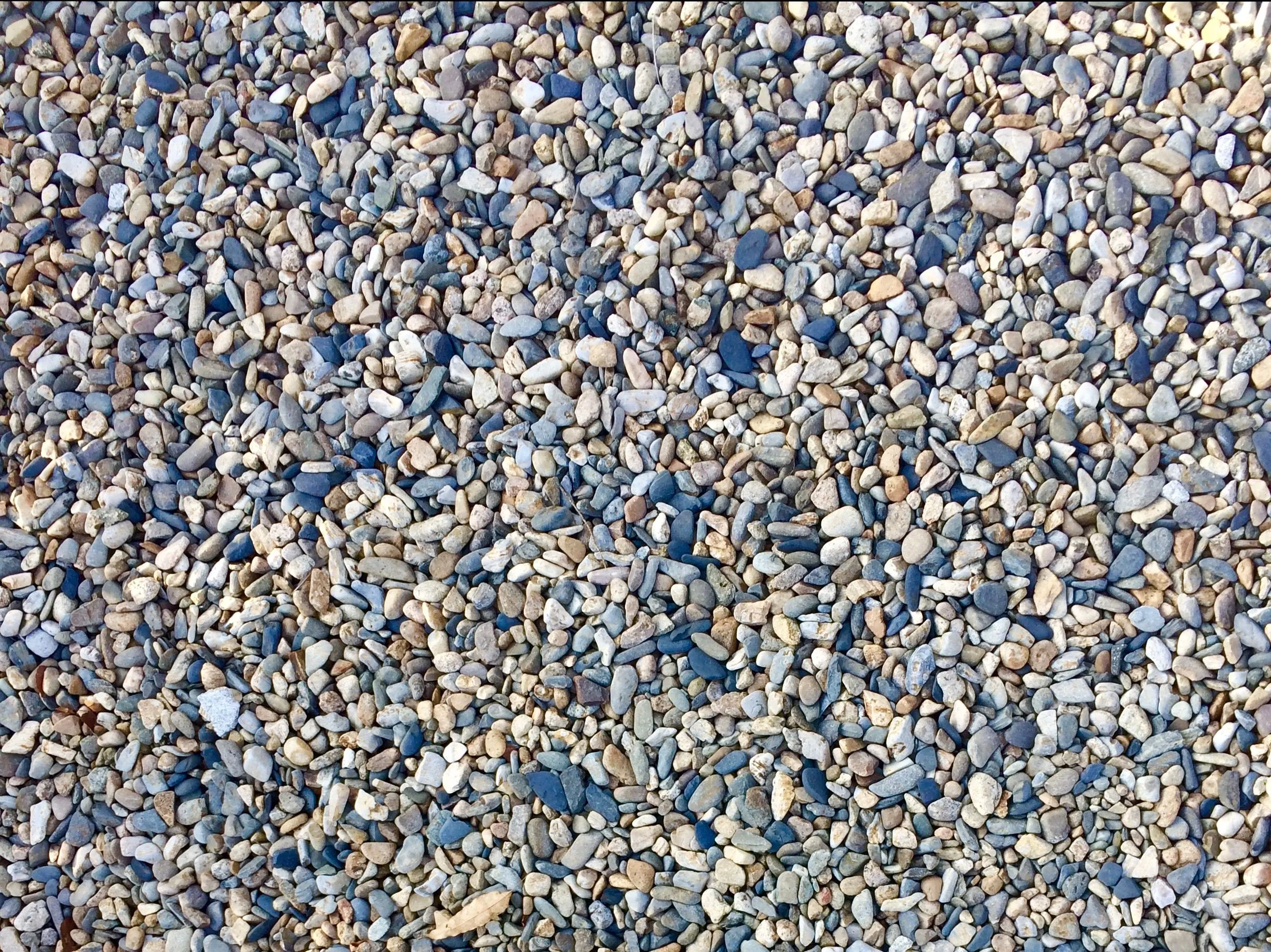
Figure out exactly how much gravel a round area needs before you order. This gravel calculator for circle spaces—flower beds, tree rings, fire pit pads, or circular driveways—turns your diameter and depth into the numbers your supplier actually asks for: cubic yards, cubic feet, tons, and bags.
Unlike a flat yardage calculator built for square or rectangular spaces, a gravel calculator for circle areas accounts for the true curved shape, so you’re not stuck ordering guesswork amounts that leave you short or paying for gravel you didn’t need. If you’re working out coverage for organic material instead, the mulch coverage tool on our site runs the same formula for cubic yards and bags.
What this Gravel Calculator for Circle does
This is a gravel calculator for circle-shaped coverage areas. Instead of estimating gravel needs using a straight length-times-width formula, it applies the actual geometry of a circle, so the volume and weight it returns reflect the real footprint you’re filling.
It’s built around U.S. standard units—feet and inches for measurements, cubic yards and tons for the order—because that’s how most landscape suppliers and gravel yards quote, price, and deliver bulk material. If you’ve ever searched for a landscape gravel calculator, a gravel weight calculator, or a tree ring calculator and had to do unit conversions by hand afterward, this tool does that conversion for you in one pass.
Typical uses for a gravel calculator for circular spaces include:
- Circular garden beds and flower rings
- Tree rings and mulch-to-gravel conversions around trunks
- Round fire pit pads and seating areas
- Circular or curved sections of a gravel driveway
- Decorative gravel borders around a fountain, pond, or statue
How the gravel calculator for circle areas works
The calculator runs the same math a landscaper would use by hand, just automated. Here’s the breakdown:
Step 1: Diameter to radius
You enter the diameter—the distance straight across the circle. The calculator halves it to get the radius, since the area formula measures out from the center.
Step 2: Area of the circle
Area = π × radius². This gives you the coverage area in square feet, which is the number to reference if you’re also comparing landscape fabric, edging, or a mulch-vs-gravel decision for the same space.
Step 3: Depth conversion
Gravel depth is entered in inches and converted to feet (inches ÷ 12), since the area is measured in square feet and the two units need to match before multiplying.
Step 4: Volume calculation
Volume = area × depth, which gives cubic feet. That figure is then divided by 27 to get cubic yards—the standard unit bulk gravel, topsoil, and mulch are all sold by.
Step 5: Weight conversion
Cubic yards are multiplied by the density of your chosen material (measured in tons per cubic yard) to calculate total tons—the number your supplier needs to schedule delivery.
Waste and compaction allowance
Like any yardage calculator, this one includes an adjustable waste allowance. Gravel compacts once it settles, spreads unevenly over rough subgrade, and some volume is always lost in spreading and edging. A 10% allowance is a safe default for most jobs; increase it on sloped or irregular ground, or reduce it for a flat, edged bed.
What the results mean
- Coverage area (ft²): The flat surface area your circle covers—useful when comparing against fabric, edging, or per-square-foot material pricing.
- Volume (ft³): Total cubic feet of gravel needed, before converting to yards.
- Volume (yd³): The cubic yard figure most gravel yards use to quote bulk pricing and schedule delivery trucks.
- Tons: The total weight to order—the number you give your supplier, calculated from the density of the material you selected.
- 50 lb bags: How many bagged units would you need if buying from a hardware store instead of ordering bulk. This is generally only cost-effective for small areas.
Frequently Asked Questions
How much gravel do I need for a circle?
Multiply the circle’s area (π × radius²) by your desired depth to get the volume, then convert that volume to tons using your gravel’s density. This calculator runs that formula automatically from your diameter and depth inputs.
How is this different from a regular yardage calculator?
A standard cubic yard calculator assumes a rectangular or square footprint (length × width × depth). A gravel calculator for circle areas uses the circle-area formula instead, which is significantly more accurate for round beds, tree rings, and curved driveway sections—a rectangular estimate on a circular space typically overestimates material by 20–25%.
How many tons are in a cubic yard of gravel?
Most landscaping gravel runs close to 1.4 tons per cubic yard, with a typical range of about 1.2 to 1.5 tons depending on material. Pea gravel and river rock tend to sit lighter; crushed stone and sand-gravel mixes sit heavier.
What depth of gravel should I use?
2 inches works for a light top dress over an existing base. 3 inches is the standard for walkways and driveways. 4–6 inches is used as a compacted base layer under pavers or in areas with vehicle traffic.
Do I enter diameter or radius?
This calculator takes diameter—the full width of the circle, measured edge to edge through the center. If you only have the radius, double it before entering, or just measure straight across.
Can I use this for a tree ring or a ring-shaped area?
Yes. For a full circle (like a fire pit pad), calculate as normal. For a ring shape—gravel around a tree trunk or a fixed object—calculate the full outer circle, then subtract the volume of the inner circle you’re not filling.
Should I round up my order?
Yes, generally. Bulk delivery pricing is usually cheaper per ton than arranging a second trip, so rounding up slightly on larger circles is often worth it. The built-in waste allowance already accounts for typical settling and spreading loss.
Is this the same as a gravel weight calculator?
It includes the same weight conversion a standalone gravel weight calculator would give you—cubic yards to tons based on material density—but adds the circle-area math up front so you don’t need a separate step to calculate the coverage area first.
Important things to know before ordering
A mulch calculator estimates the amount of mulch needed for landscaping projects quickly and accurately.

Quick Links
Get In Touch
Street 7171 W Irving Park Rd, Chicago, Illinois, 60634, United States
Email: info@mulchcalculatoronline.com
Disclaimer
The results provided by this mulch calculator are for estimation purposes only. Calculations are based on the measurements and depth you enter and are intended as a general guide to help you plan your project. Actual material needs may vary depending on settling, waste, irregular bed shapes, and the specific mulch product you purchase. We recommend adding 10–15% to your estimated total to account for variations. Always consult your local supplier for product-specific coverage rates before placing a final order. We are not responsible for over-purchasing, under-purchasing, or any costs incurred based on estimates generated by this tool.
© All Rights Reserved.